Your story, one entry at a time
Add your activities, log your hours, and save memories you can return to when you’re ready to reflect.
Try the interactive demoKeep your activity details together
Keep your role, organization, dates, and contact information in one place. Add hours and memories to each activity as you go, and set an hour goal if you have one.
Clinical work, volunteering, research, shadowing, or something else you’re involved in: start with what you’re doing now.

As easy as clocking in and out
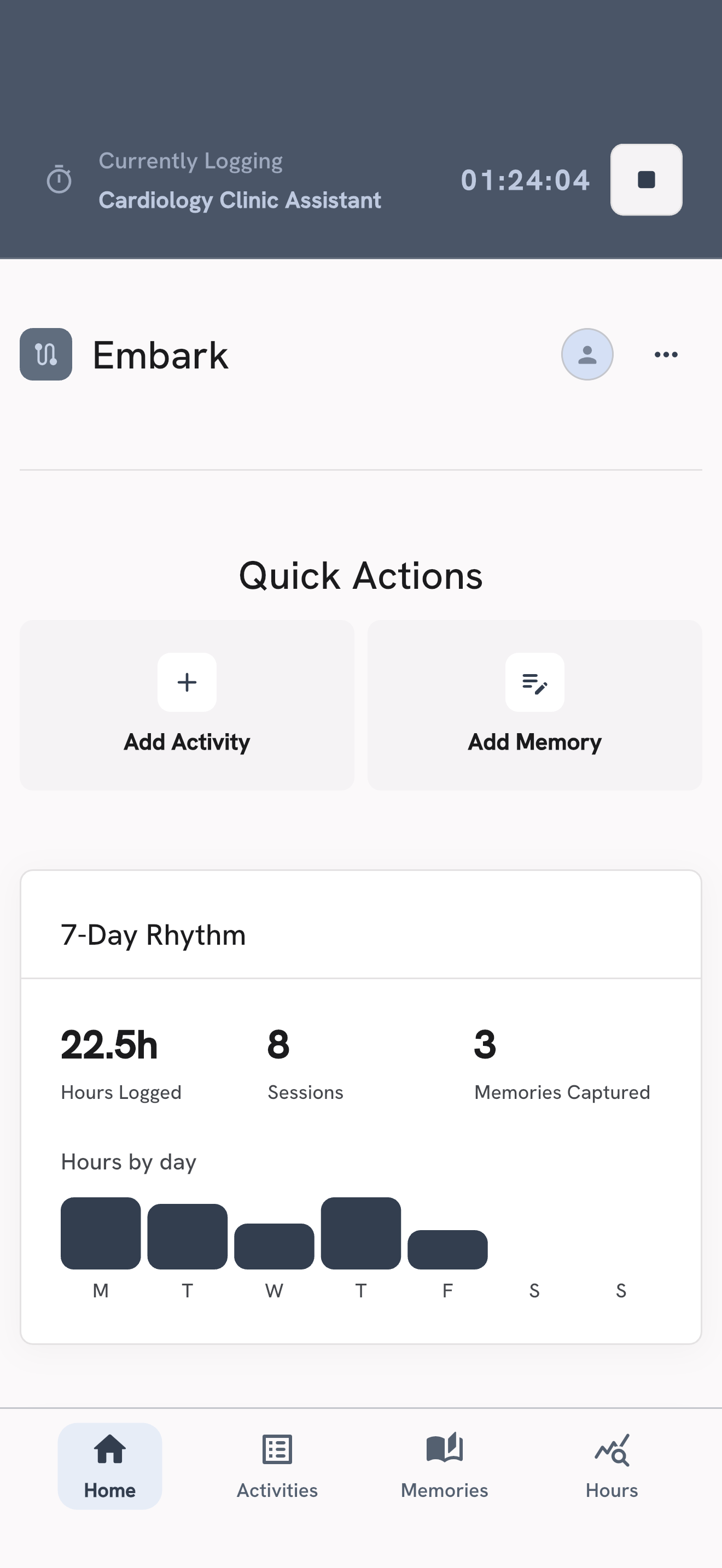
Start tracking when you arrive and clock out when you’re done. Your time stays with the activity, so you don’t have to piece together your hours later.
Forgot to clock in? Add your hours manually, or edit an entry to correct the time.
Save the moment.
Reflect when you’re ready.
Write down what happened while it’s fresh: a conversation that stayed with you, something you tried, or a moment that surprised you.
Come back later to reflect on what you learned, what challenged you, or what you’d do differently. When you’re working on applications or preparing for interviews, you’ll have specific experiences to draw from.

Start with one activity
Add something you’re already doing. You can fill in the details as you go. Your free trial works in your browser and the mobile app. Buy your pass in your browser or the mobile app, then use it across devices with the same Embark account.